Getting Started with VellsDrive
Welcome to VellsDrive. This guide will help you set up your workspace and start managing your product development lifecycle in minutes.
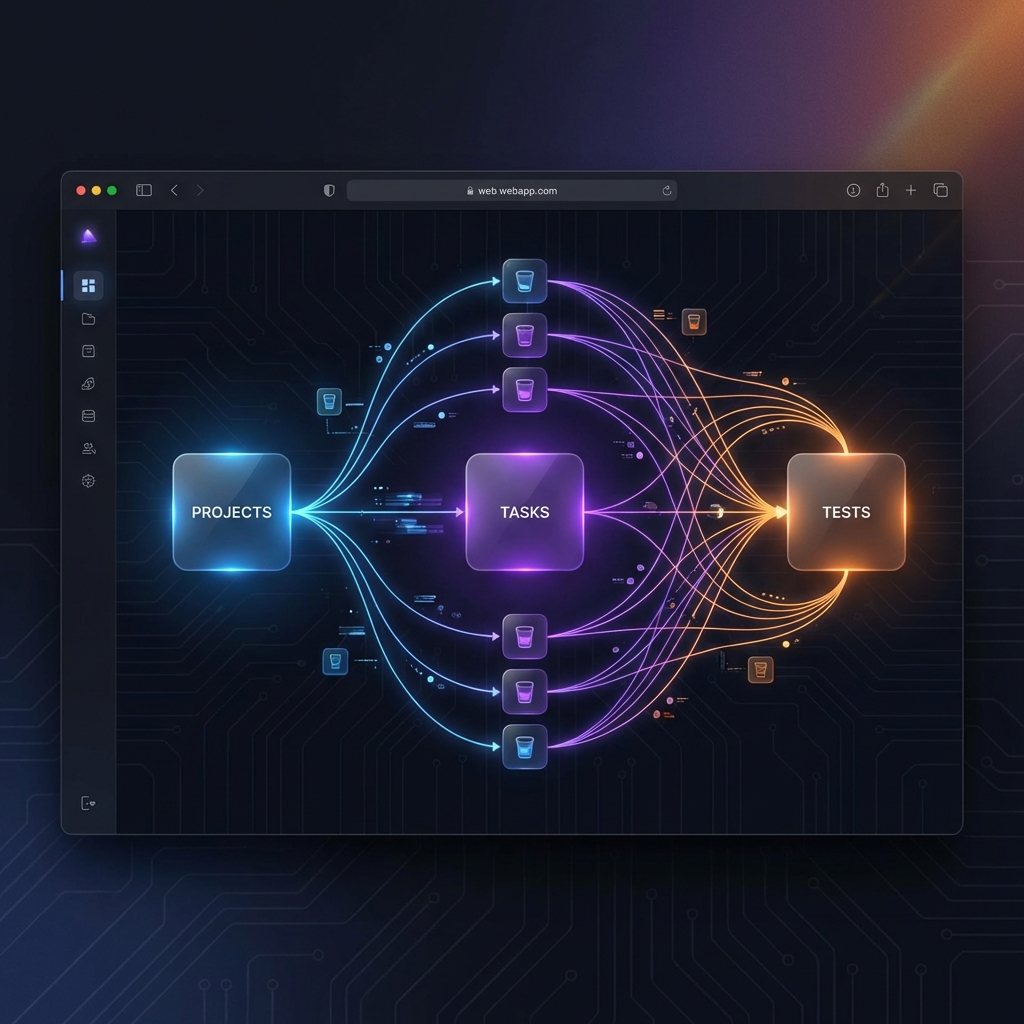
Introduction
VellsDrive is an all-in-one operating system for product teams. It combines project management, test case management, CRM, and documentation into a single, unified interface.
Tip:
VellsDrive is designed for speed. Use Cmd + K anywhere to open the command palette.
1. Creating a Workspace
Everything in VellsDrive happens inside a Workspace. A workspace is usually your company or organization.
- Go to the Sign Up page.
- Enter your email and choose a secure password.
- Enter your Workspace Name (e.g., "Acme Corp").
- Click Get Started. We'll automatically create your workspace subdomain (e.g.,
acme.vellsdrive.com).
2. Your First Project
Projects are where tasks live. You can organize them by product, team, or initiative.
Backlog
Dump all your ideas here. Prioritize them later.
Board
Visualize work in progress with Kanban columns.
3. Inviting Your Team
VellsDrive is better with friends.
Navigate to Settings > Members to invite your colleagues via email. They will receive a magic link to join your workspace securely.